 Free with watermark
YouTube title and thumbnail text maker
Big, punchy title text that stays readable at thumbnail size — plus animated titles for your video intro.
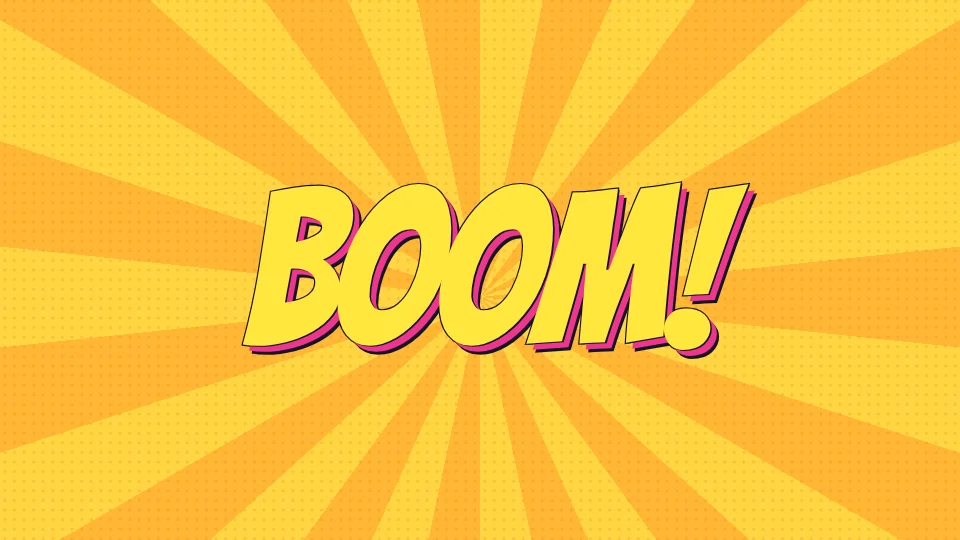
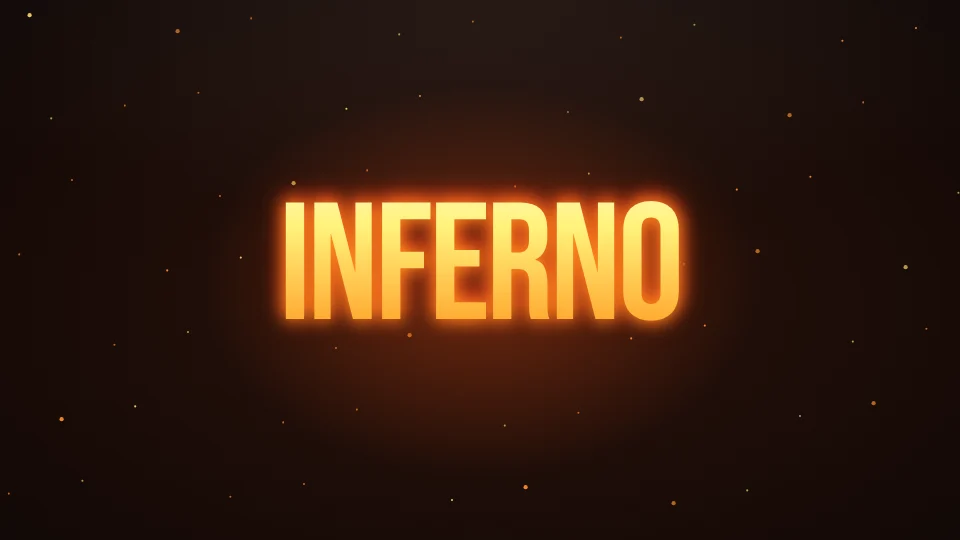
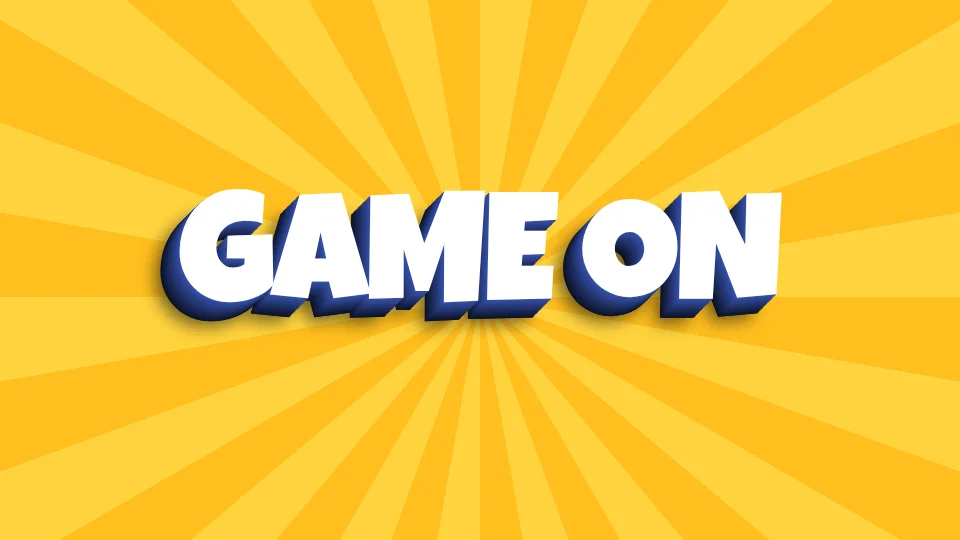
Styles to start from
Click any style to open it in the editor with your own text.


What you can do
- 1280 × 720 thumbnail canvas
- Heavy display fonts and outline looks that read at small sizes
- Stickers and emoji for reactions
- Animated titles for intros as GIF, or video on Pro
- Transparent PNG to drop onto your thumbnail photo
How to make it
- Type your text. Enter your words in the box above or in the editor. Change them any time.
- Adjust the look. Pick a font and fine-tune colour, depth, glow and size in the Properties panel.
- Download. Choose PNG in Export — tick Transparent background if you want to place it on a photo.
Questions
What size is a YouTube thumbnail?
1280 × 720 pixels. The editor opens at that size from this page.
Can I put the text over my own photo?
Yes. Upload the photo as the background, or export the text as a transparent PNG.